
SPF's 10-DNS-Lookup Limit: How to Diagnose Permerror and Fix It Without Breaking DMARC
There's a failure mode in email authentication that doesn't announce itself. You add Google Workspace to your SPF record. Then your ESP. Then the help desk, the CRM, the billing system, the survey tool. Each vendor's setup doc says the same thing — "just add include:ourservice.com to your SPF record" — and each addition works fine. Until one day the total number of DNS lookups your record triggers crosses ten, and every receiver on the internet starts returning permerror for your domain. No bounce storm, no dashboard alert. SPF just stops passing, everywhere, at once.
If you're mid-way through a DMARC rollout, this is the sinkhole in the road. Our walkthrough of moving DMARC from p=none to p=reject and our SPF, DKIM, and DMARC explainer both flag the 10-lookup limit as a hazard — this post is the repair manual. We'll cover exactly what counts toward the limit (it's subtler than "count your includes"), how to diagnose a permerror with free tools, and the three real fixes: pruning and consolidating, delegating sending to subdomains, and SPF flattening — including why flattening is a maintenance commitment, not a one-time patch.
Where the Limit Comes From: RFC 7208, Section 4.6.4
The 10-lookup ceiling isn't a Google policy or an ESP quirk — it's baked into the SPF specification itself. RFC 7208, section 4.6.4 ("DNS Lookup Limits") is unambiguous: the include, a, mx, ptr, and exists mechanisms, plus the redirect modifier, each cause a DNS query at evaluation time, and implementations MUST limit the total of those terms to 10 per SPF check. Exceed it, and the receiver MUST return permerror. The rationale is DNS self-defense: without a cap, a malicious or careless record could fan out into an unbounded query storm on every inbound message.
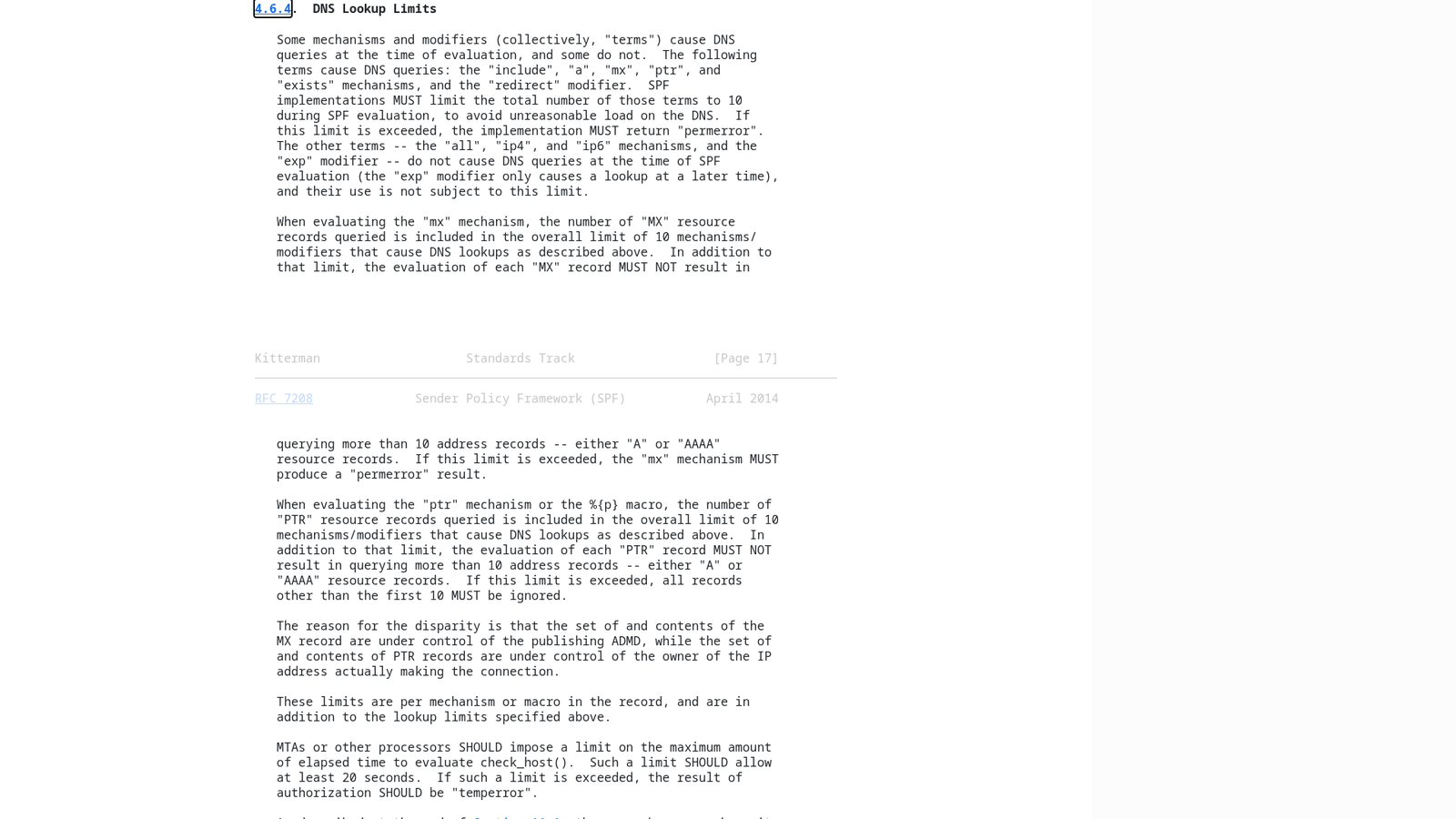
mx and ptr further down. Image: IETF Datatracker — RFC 7208.What Actually Counts Toward the 10
The counting rules trip people up, so let's be precise:
- Counts: every
include:,a,mx,ptr(which you shouldn't use anyway),exists:, andredirect=— including every nested one. Ifinclude:vendor.compulls in a record that itself contains three more includes, that vendor just cost you four lookups, not one. - Doesn't count:
ip4:andip6:mechanisms, theallmechanism, and theexp=modifier. IP literals are free — which is the entire premise of SPF flattening, below. - Void lookups have their own cap: RFC 7208 also recommends permerror after more than two "void" lookups (queries that return NXDOMAIN or an empty answer). A stale include pointing at a dead hostname can break your record even when you're under ten total.
This is why the limit sneaks up on senders. Your record might show only four include: statements, but Microsoft 365's include expands into multiple nested lookups, and so do many ESPs'. The visible record is the tip; the recursive expansion is the iceberg.
Diagnosing It: Count Your Lookups Before Receivers Do
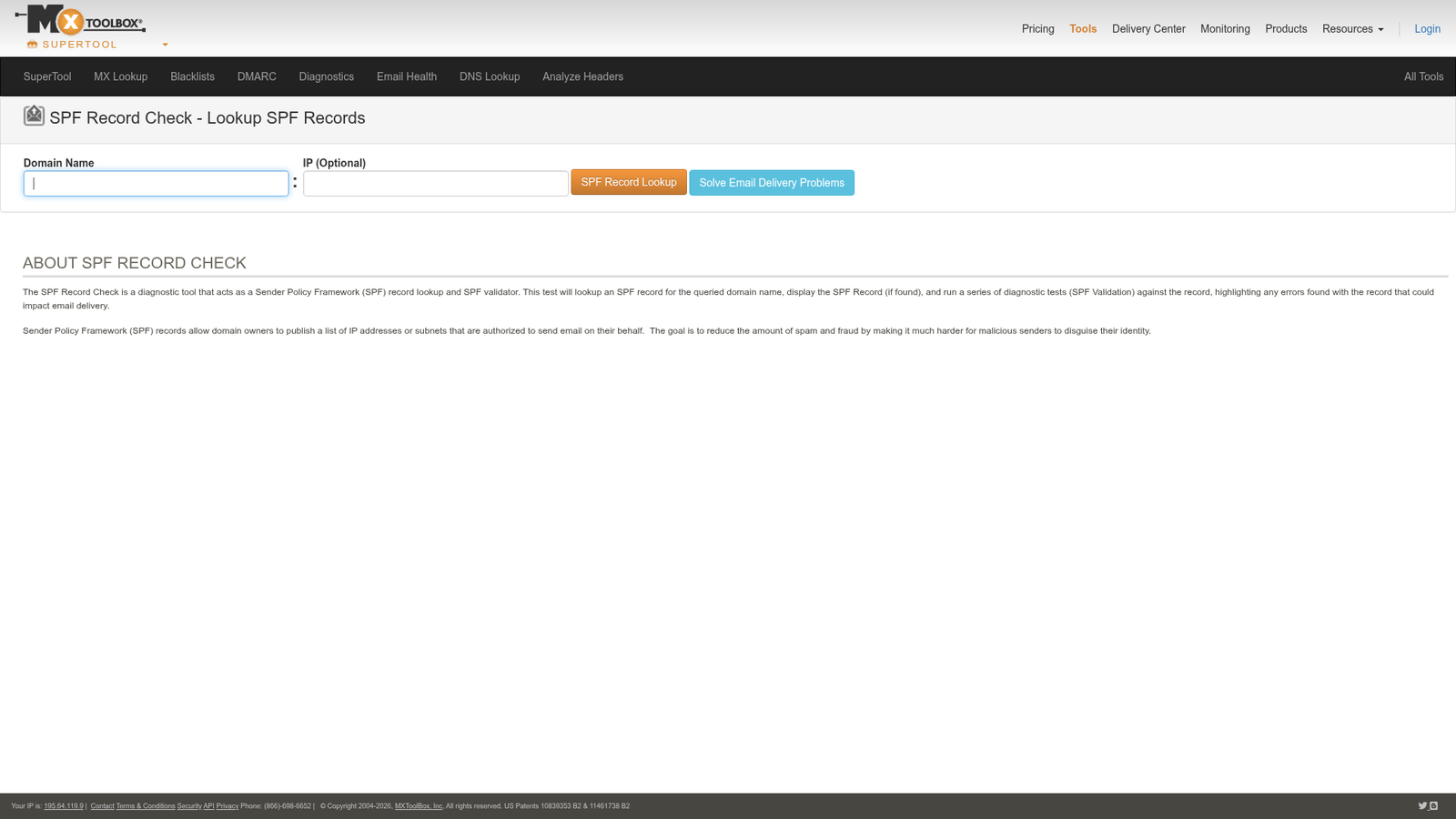
Two free tools will give you the full recursive picture in seconds. MXToolbox's SPF Record Check fetches your record, expands every nested include, and reports the total lookup count with an explicit warning when you're over (or near) ten. It also flags syntax errors, void lookups, and deprecated mechanisms in the same pass.
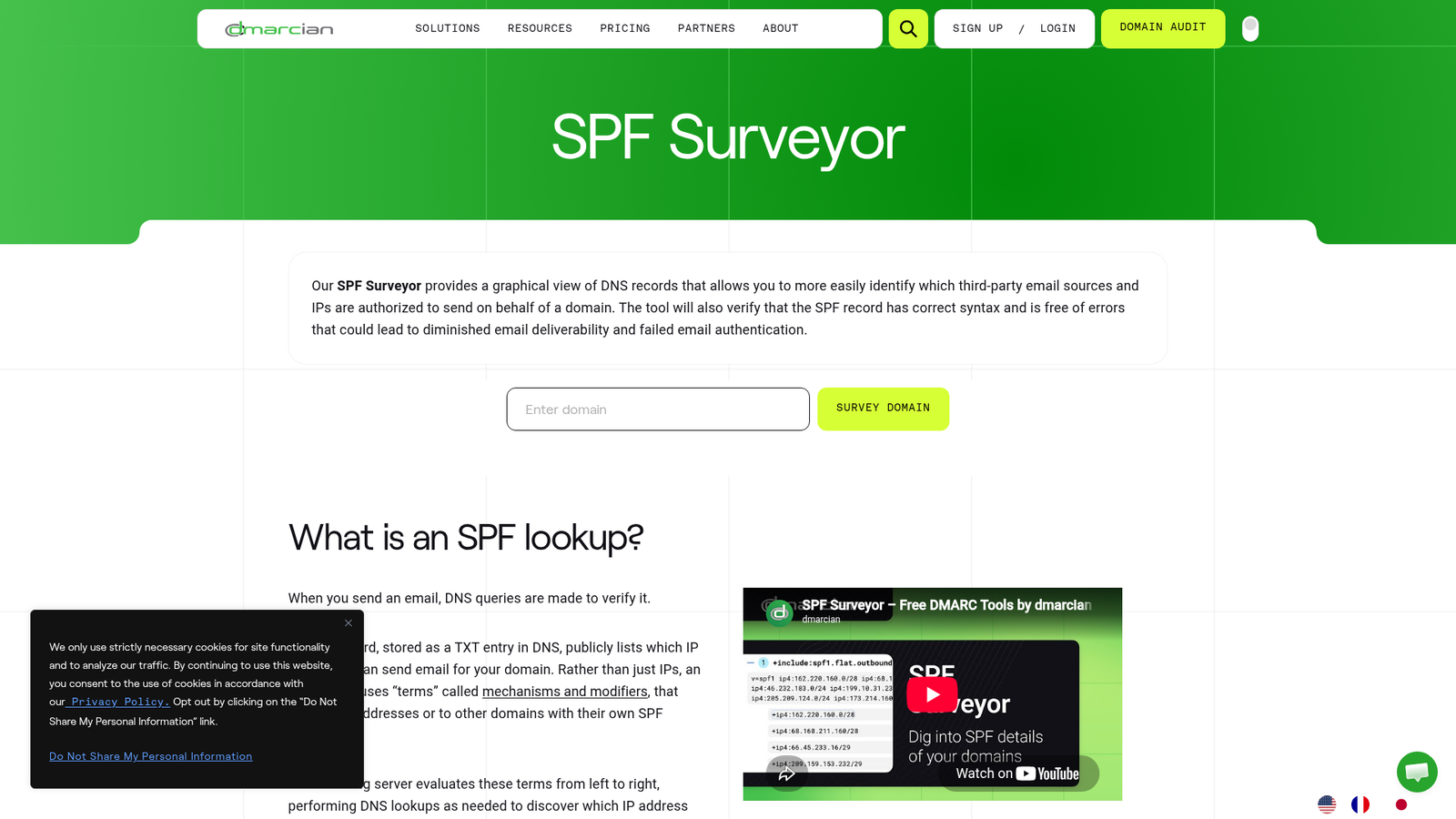
For a more visual map of exactly which vendor is eating your budget, dmarcian's SPF Surveyor renders your record as a tree: each include is a branch you can expand, with its nested lookups and resolved IP ranges underneath. When you need to decide what to cut, this is the view that shows you the include contributing five lookups for a service you stopped using in 2024.
And if you're already collecting DMARC aggregate reports (you should be — it's step one of the enforcement walkthrough), permerror shows up right in the XML: the <spf> result field reads permerror instead of pass or fail. A sudden spike in permerror rows across many receivers, all starting the same day, is the classic signature of a record that just crossed the limit.
Why Permerror Is Worse Than Fail
A regular SPF fail means "this record is valid, and that sender isn't on the list." A permerror means "this record is broken; I can't evaluate it at all." For DMARC purposes, a permerror means SPF can contribute nothing to alignment — for any sender, including your legitimate ones. Your DMARC pass rate now rides entirely on DKIM. If DKIM is signed correctly and aligned everywhere, mail keeps flowing and you might not notice for months. If any mail stream has weak or missing DKIM — a legacy notification system, a vendor that signs with their own domain — that stream starts failing DMARC outright, and at p=quarantine or p=reject it starts disappearing from inboxes. Under the 2026 bulk-sender rules, where Gmail, Yahoo, and Microsoft all require DMARC-aligned authentication, a permerror is a slow leak in your deliverability hull.
Fix 1: Prune and Consolidate
Start with subtraction, not clever engineering:
- Remove dead vendors. Walk the SPF Surveyor tree and question every include. Services you no longer use are the most common waste — and stale includes are also your void-lookup risk.
- Drop redundant mechanisms. If your domain's A record hosts a website that never sends mail,
ais a wasted lookup. Same formxif your inbound provider is already covered by an include. Andptrshould never appear — RFC 7208 itself says do not use it. - Replace single-server includes with IPs. If a vendor sends from a small, stable set of addresses, an
ip4:literal costs zero lookups. (Only do this for IPs the vendor documents as static.) - Check for duplicate coverage. Nested includes sometimes overlap — two tools riding the same upstream infrastructure can mean the same ranges authorized twice, with two lookup budgets spent.
Fix 2: Split Senders Across Subdomains
SPF is evaluated per domain — and every subdomain gets its own fresh 10-lookup budget. Instead of cramming every service into the root record, move mail streams onto dedicated subdomains: marketing sends from news.yourdomain.com with only the ESP's include, transactional from mail.yourdomain.com, support from help.yourdomain.com. Each record stays tiny; each stream's reputation is isolated (a bonus we recommend in the 2026 deliverability rules guide); and because DMARC's default relaxed alignment accepts subdomains of your organizational domain, alignment still holds. This is the cleanest long-term architecture — the only cost is updating each vendor's From/return-path configuration once.
Fix 3: SPF Flattening — Powerful, but a Commitment
Flattening replaces lookup-triggering mechanisms with the IP addresses they currently resolve to. Since ip4:/ip6: literals don't count toward the limit, a fully flattened record uses one lookup (the initial TXT fetch is free — technically zero of your ten). Problem solved? Only if you understand the tradeoff: vendors change their IP ranges without telling you. The moment your ESP adds sending infrastructure that isn't in your frozen list, their new IPs fail SPF — silently, until the DMARC reports (or angry recipients) surface it.
That history lesson matters: dmarcian invented SPF flattening as an experimental feature of the SPF Surveyor — and later shut the experiment down, precisely because hand-frozen IP lists rot. If you flatten, do it with automation: a scheduled job or managed service that re-resolves every mechanism daily and updates your TXT record when ranges change. Manual flattening is a time bomb with a polite fuse. Also mind the other ceiling — SPF records have a practical size limit (each DNS TXT string maxes out at 255 characters, and receivers are only obligated to handle a few strings), so a flattened record listing fifty CIDR ranges can trade a lookup problem for a length problem.
The Strategic Fix: Lean on DKIM for Alignment
Here's the reframe that takes the pressure off entirely: DMARC needs SPF alignment or DKIM alignment — not both. DKIM has no lookup limit, survives forwarding (which breaks SPF constantly), and aligns via the d= domain in the signature regardless of which IP sent the message. For every mail stream, configure a custom DKIM signing domain with your vendor so signatures align with your organizational domain — the setup is covered in our SPF, DKIM, and DMARC explainer. Once every stream passes aligned DKIM, SPF becomes your redundancy layer rather than your load-bearing wall, and a permerror degrades from "mail is disappearing" to "we lost our backup." That's also the posture the p=reject walkthrough pushes you toward before enforcement: aligned DKIM everywhere, SPF as belt-and-suspenders. Keep fixing SPF — but never let DMARC depend on it alone.
Bottom Line
The SPF 10-lookup limit is a spec-mandated ceiling (RFC 7208 §4.6.4) that turns one-include-too-many into a domain-wide permerror — and a permerror knocks SPF out of your DMARC equation entirely. Count your recursive lookups with MXToolbox or dmarcian's SPF Surveyor before receivers count them for you. Fix overruns in order of durability: prune dead includes and redundant mechanisms first, split mail streams onto subdomains with their own lookup budgets second, and reach for SPF flattening only with automation that tracks vendor IP changes — the technique's own inventor retired it for a reason. And whatever state your SPF record is in, get aligned DKIM on every stream so a future permerror is an annoyance, not an outage.
References: RFC 7208 §4.6.4 — DNS Lookup Limits, MXToolbox SPF Record Check, dmarcian SPF Surveyor, and dmarcian on concluding the SPF flattening experiment. Internal: SPF, DKIM, and DMARC explained, the p=none to p=reject enforcement walkthrough, and the 2026 deliverability rules every sender must meet.