
Warming Up a New Sending Domain the Right Way: Ramp Schedules, Engagement-First Sending, and the Mistakes That Tank Reputation
Every new sending domain starts with the same balance: zero. Zero history, zero reputation, zero trust. Mailbox providers like Gmail and Microsoft don't extend the benefit of the doubt to unknown senders — an unfamiliar domain suddenly pushing thousands of messages looks exactly like a snowshoe spam operation, and the filters respond accordingly. The result is brutal and predictable: senders who point their full list at a fresh domain on day one watch open rates crater, spam-folder placement spike, and sometimes outright blocking — damage that can take months to unwind.
This post matters more now than it used to. Our SPF 10-lookup-limit fix guide recommends splitting mail streams onto dedicated subdomains, and the 2026 deliverability rules make domain reputation a load-bearing wall of inbox placement. Both pieces of advice eventually put you in the same spot: holding a brand-new domain or subdomain that needs to earn trust from scratch. Here's how to warm it up deliberately — ramp schedules, engagement-first audience selection, monitoring with Google Postmaster Tools, and the common mistakes that turn a two-week warm-up into a six-month reputation repair.
Why Warm-Up Exists: Reputation Is Earned Per Domain
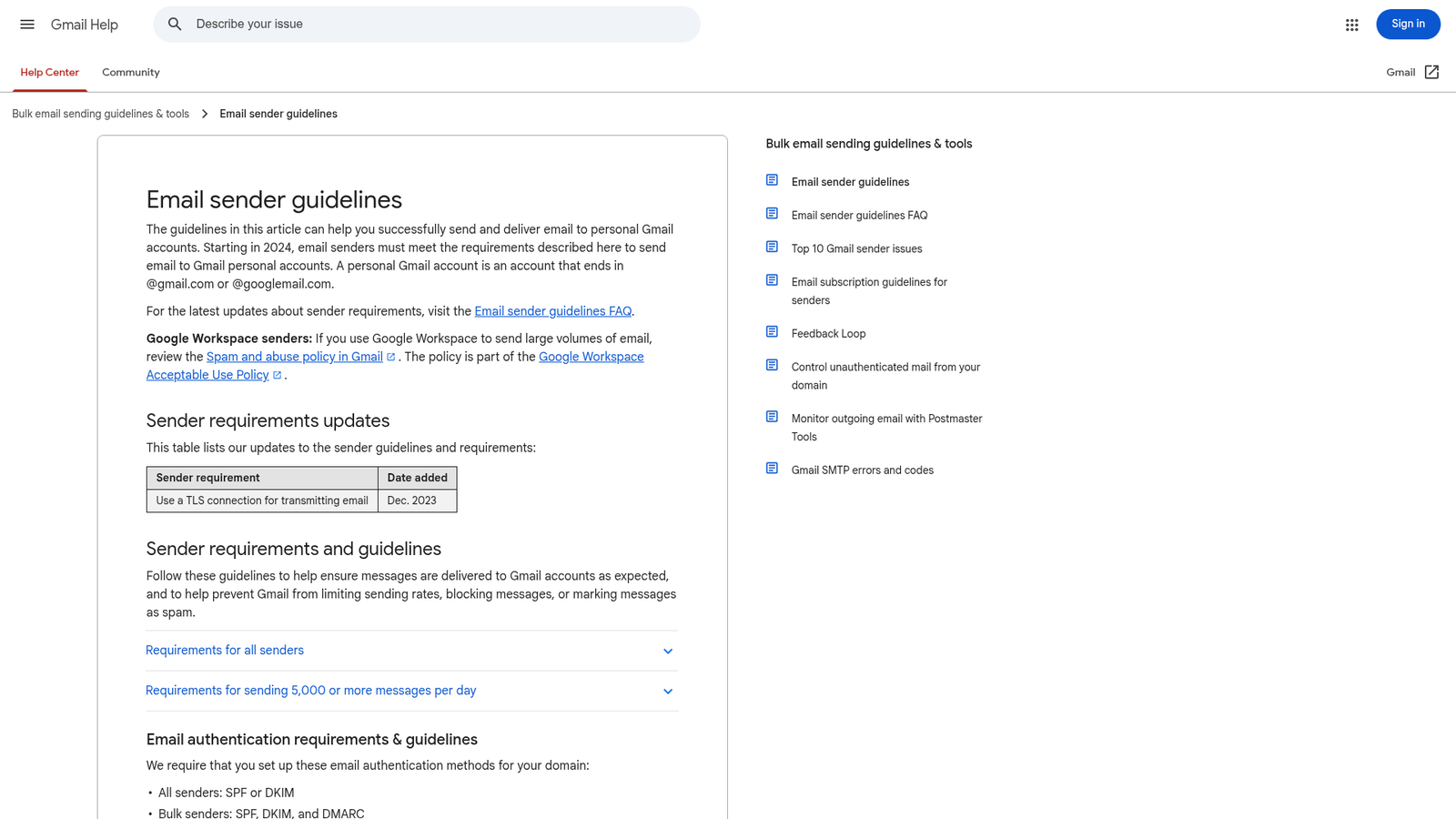
Mailbox providers score senders on two axes: the reputation of the sending IP addresses and the reputation of the sending domain. IP reputation used to dominate, but as senders migrated onto shared ESP infrastructure, providers shifted weight onto the domain — the thing that stays constant no matter whose servers relay the mail. Gmail's Email sender guidelines are explicit that domain reputation drives filtering decisions, and since the 2024 bulk-sender rules (now tightened further — see our 2026 rules rundown), authenticated domains with sustained low spam rates are the only ones that reliably reach the inbox at volume.
A new domain has no track record on any of those signals. Warm-up is simply the process of building that record on purpose: starting small, sending mail people demonstrably want, and increasing volume only as fast as the positive signals accumulate. Skip the process and the filters fill in the blanks with the least charitable interpretation available.
Before You Send a Single Message
Warm-up amplifies whatever foundation you give it, so get the prerequisites right first:
- Authentication, fully aligned. SPF and DKIM must pass and align with your sending domain, with a DMARC policy published. If the new domain is a subdomain, remember it inherits the organizational domain's DMARC policy by default — if you've already moved to enforcement per our p=none to p=reject walkthrough, a misconfigured subdomain stream doesn't get a grace period; it gets rejected.
- A lean SPF record from day one. The whole point of a dedicated subdomain (as argued in the SPF lookup-limit post) is that it carries only the includes it needs — usually one ESP. Don't copy-paste the bloated root-domain record onto the new subdomain.
- Working infrastructure hygiene. Valid rDNS/HELO on sending IPs (your ESP handles this on shared infrastructure), a live one-click unsubscribe header, and a monitored postmaster/abuse mailbox.
- A clean, permissioned list. Warm-up is the worst possible time to mail stale or purchased addresses. Every hard bounce and spam-trap hit lands on a reputation ledger with almost nothing on the positive side to offset it.
The Ramp Schedule: Start Small, Roughly Double, Watch, Repeat
The mechanics of warm-up are the same everywhere: begin with a volume small enough that a mailbox provider will accept it from an unknown sender — typically 50 to 200 messages per provider per day — and increase gradually, roughly doubling every one to two days as long as the metrics stay clean. If bounces, deferrals, or spam-folder placement appear, hold or halve; never push through visible resistance.
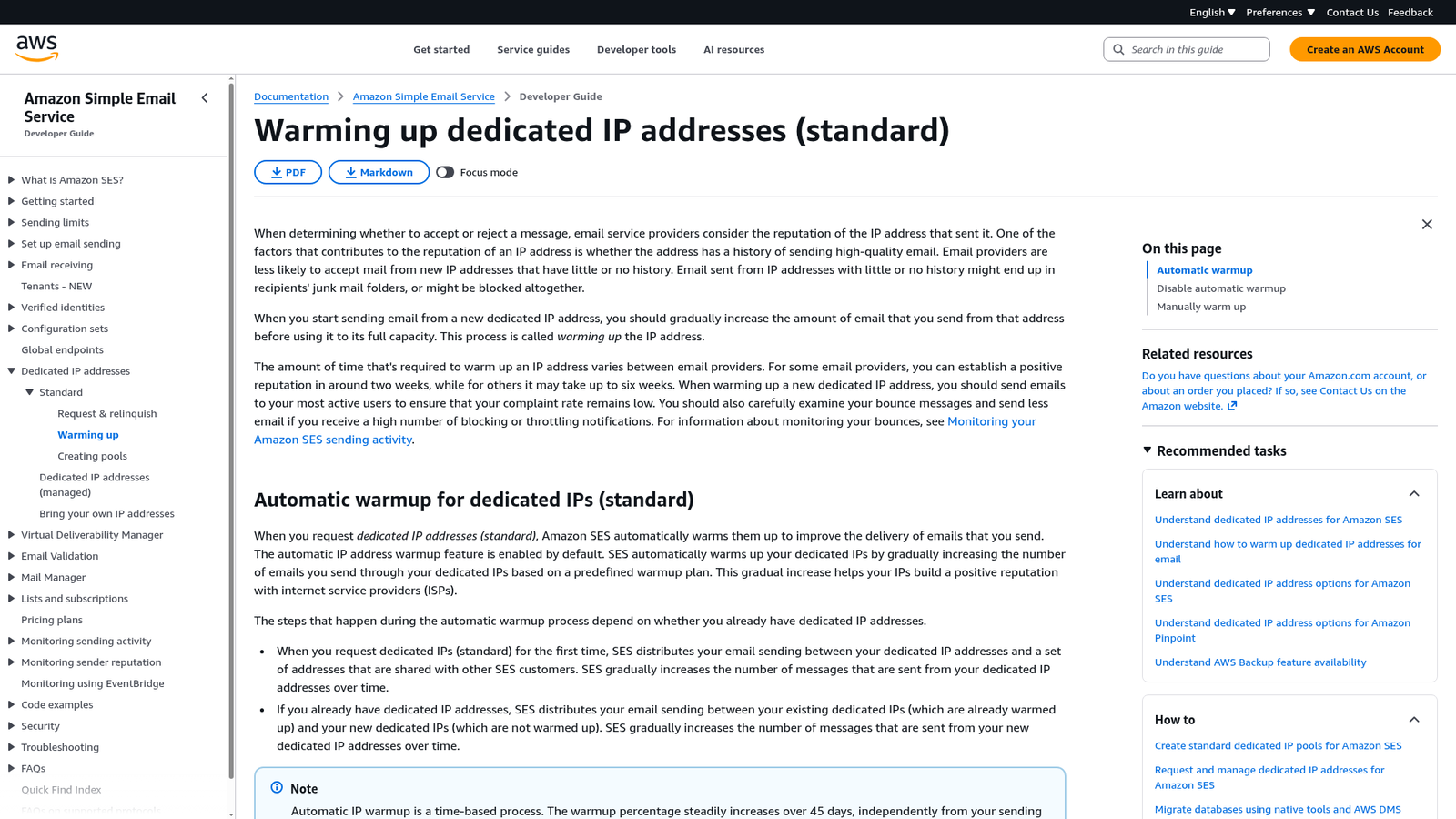
How long does it take? The most honest published answer comes from AWS's Simple Email Service documentation: reputation with some providers builds in about two weeks, while stricter ones can take up to six weeks — and SES's own automatic warm-up plan for dedicated IPs stretches the percentage ramp over 45 days. Plan for a month, be pleasantly surprised if it's faster.
A workable four-week template for a list of ~100k (scale proportionally):
- Week 1: 100 → 200 → 500 → 1,000 → 2,000 per day, most-engaged recipients only, split across providers roughly in proportion to your list (don't send 2,000 to Gmail and 0 to Outlook).
- Week 2: 3,000 → 5,000 → 8,000 → 12,000, still engaged-only. Watch Postmaster Tools daily (below).
- Week 3: 15,000 → 25,000 → 40,000, expanding to recipients active in the last 90 days.
- Week 4: Approach full volume and your normal cadence, holding any segment where metrics wobble.
Treat the numbers as a shape, not a contract — the schedule that matters is the one dictated by your live metrics. Mailgun's deliverability team frames it well: warm-up is stretching before you send, and the injury you're preventing is reputational.
Engagement-First Sending: Your Best Recipients Go First
Volume is only half the warm-up; the other half is who receives the early sends. Mailbox providers read recipient behavior as a trust signal: opens, replies, moves out of the spam folder, and adds-to-contacts push reputation up; deletions-without-reading, complaints, and spam-folder rescues that never happen drag it down. During warm-up, every message is weighted heavily because there's so little history — so you want the odds stacked as far in your favor as possible.
- Segment by recent engagement. Openers/clickers from the last 30 days first, then 60, then 90. Recipients who haven't engaged in six months don't belong anywhere near a warm-up.
- Send your best content. Warm-up mail should be the mail people signed up for — transactional messages, requested digests, genuinely useful announcements. Not a re-permission blast, not a promotion for a dormant segment.
- Prefer replies where natural. A reply is the strongest positive signal a recipient can send. Transactional and personal-feeling streams warm domains faster than broadcast marketing for exactly this reason.
- Keep frequency steady. Providers model your sending pattern; a domain that sends daily for two weeks then goes silent for three looks erratic. Consistency is itself a reputation signal.
Monitoring: Google Postmaster Tools Is Your Instrument Panel
You can't manage a warm-up you can't see. Google Postmaster Tools is free, takes minutes to set up (add your domain, verify with a DNS TXT record), and shows you exactly what Gmail thinks of your new domain: spam rate, domain and IP reputation, authentication success rates, and delivery errors. Two setup details matter for warm-ups specifically: Google recommends adding subdomains separately so each gets its own dashboard — essential if you're warming a subdomain per the SPF post's advice — and the dashboards track the DKIM d= or SPF Return-Path domain, so make sure that's the domain you're actually warming.
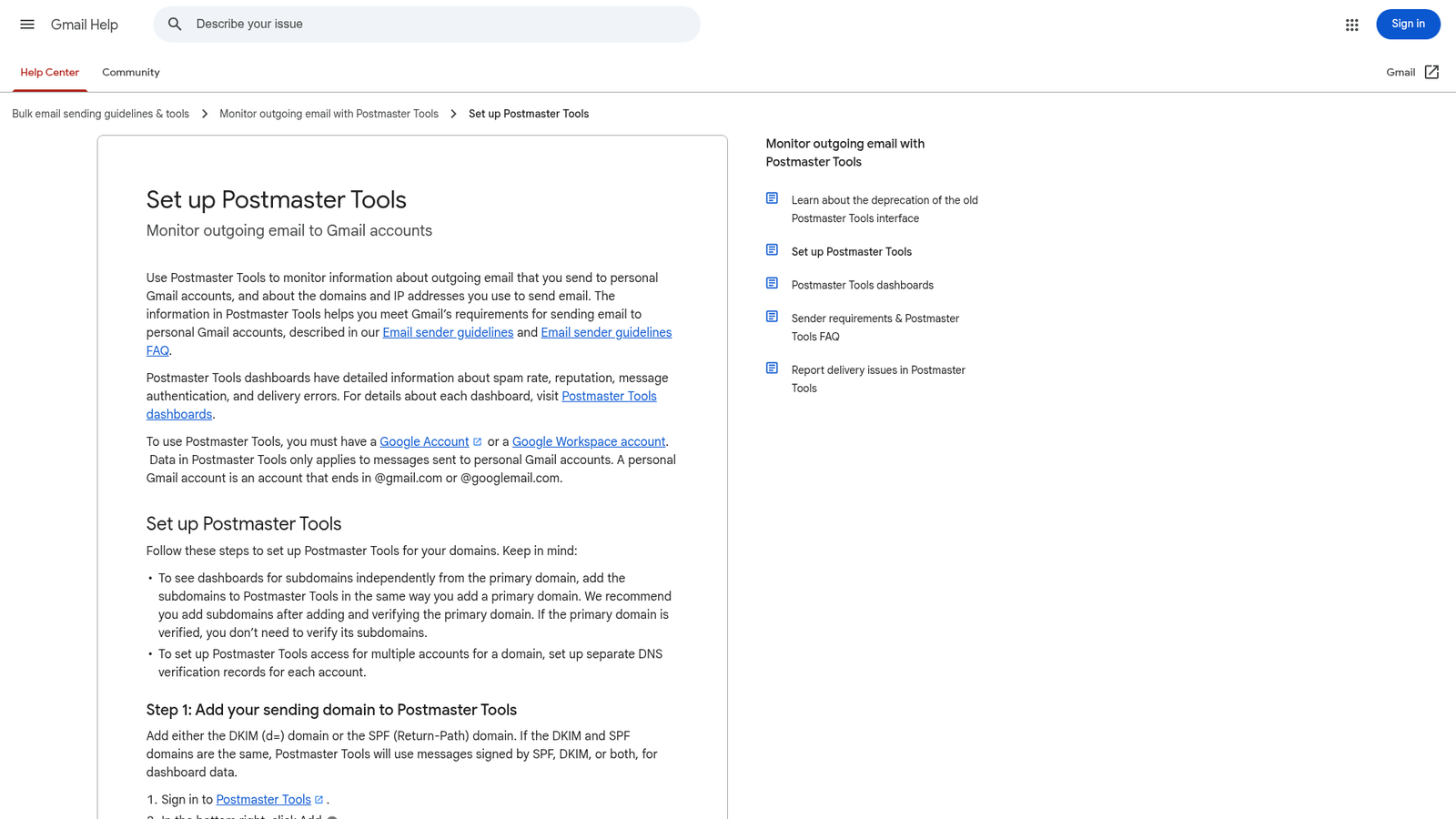
During warm-up, check daily:
- Spam rate: keep it under 0.1% and never let it touch the 0.3% ceiling from the bulk-sender rules. A spike is your signal to hold volume and inspect the last segment you added.
- Domain reputation: expect it to start at "Low" or unrated — that's normal. What you want is steady movement toward "Medium"/"High" as weeks pass. A drop to "Bad" means stop ramping immediately.
- Authentication dashboard: SPF/DKIM/DMARC success should be ~100%. Anything less during warm-up means a config problem that's compounding your unknown-sender penalty.
Postmaster Tools only covers Gmail. Round out the picture with Microsoft's SNDS for Outlook-bound mail, your ESP's bounce and deferral logs (SMTP 4xx deferrals are how providers say "slow down"), and your DMARC aggregate reports — which you're already collecting if you followed the enforcement walkthrough.
Common Warm-Up Mistakes
- Going too big too fast. The classic. One 50,000-message day-one blast can put a new domain in a hole that months of good behavior won't fully repair. If you inherit a schedule conflict — a product launch that "has to" go out — send it from the established domain, not the one mid-warm-up.
- Warming with your worst mail. Re-engagement campaigns, cold outreach, and purchased lists generate exactly the complaint and bounce signals a new domain can't absorb.
- Ignoring deferrals. 4xx responses and rising "delayed" counts are providers throttling you politely. Pushing more volume into a throttle converts it into blocks.
- Stopping and starting. Pausing a warm-up for a week doesn't preserve progress — reputation decays without steady volume, and an erratic pattern is itself suspicious.
- Warming the wrong entity. If your DKIM signs with the ESP's domain rather than yours, you've spent weeks warming their reputation. Verify alignment before day one, not week three.
- Using "warm-up services" that fake engagement. Networks of bot inboxes that auto-open and reply violate provider policies, and Gmail has gotten good at discounting — and penalizing — synthetic engagement. Real recipients or nothing.
- Declaring victory too early. Reaching full volume isn't the end. Reputation is a moving average; keep list hygiene, engagement segmentation, and Postmaster monitoring running permanently.
Bottom Line
A new sending domain is guilty until proven innocent, and warm-up is how you build the case. Get authentication aligned and the list clean before message one; start at a few hundred messages a day and roughly double only while the metrics stay green; send your most engaged recipients your most wanted mail first; and watch the whole process through Google Postmaster Tools — with the subdomain added as its own property — plus your ESP's deferral logs. Budget two to six weeks, hold volume the moment providers push back, and don't let a launch calendar bully a half-warmed domain into full-list duty. Do it right once and the payoff is exactly what the 2026 rules demand: a domain whose reputation carries your mail to the inbox instead of fighting it.
References: Google's Email sender guidelines, Google's Set up Postmaster Tools guide, AWS SES on warming up dedicated IPs, and Mailgun on domain warm-up and reputation. Internal: the SPF 10-lookup-limit fix, the 2026 deliverability rules, and the DMARC p=none to p=reject walkthrough.