
How AI Is Changing the Email Workflow: Copy, Code, QA, and the New AI Inbox
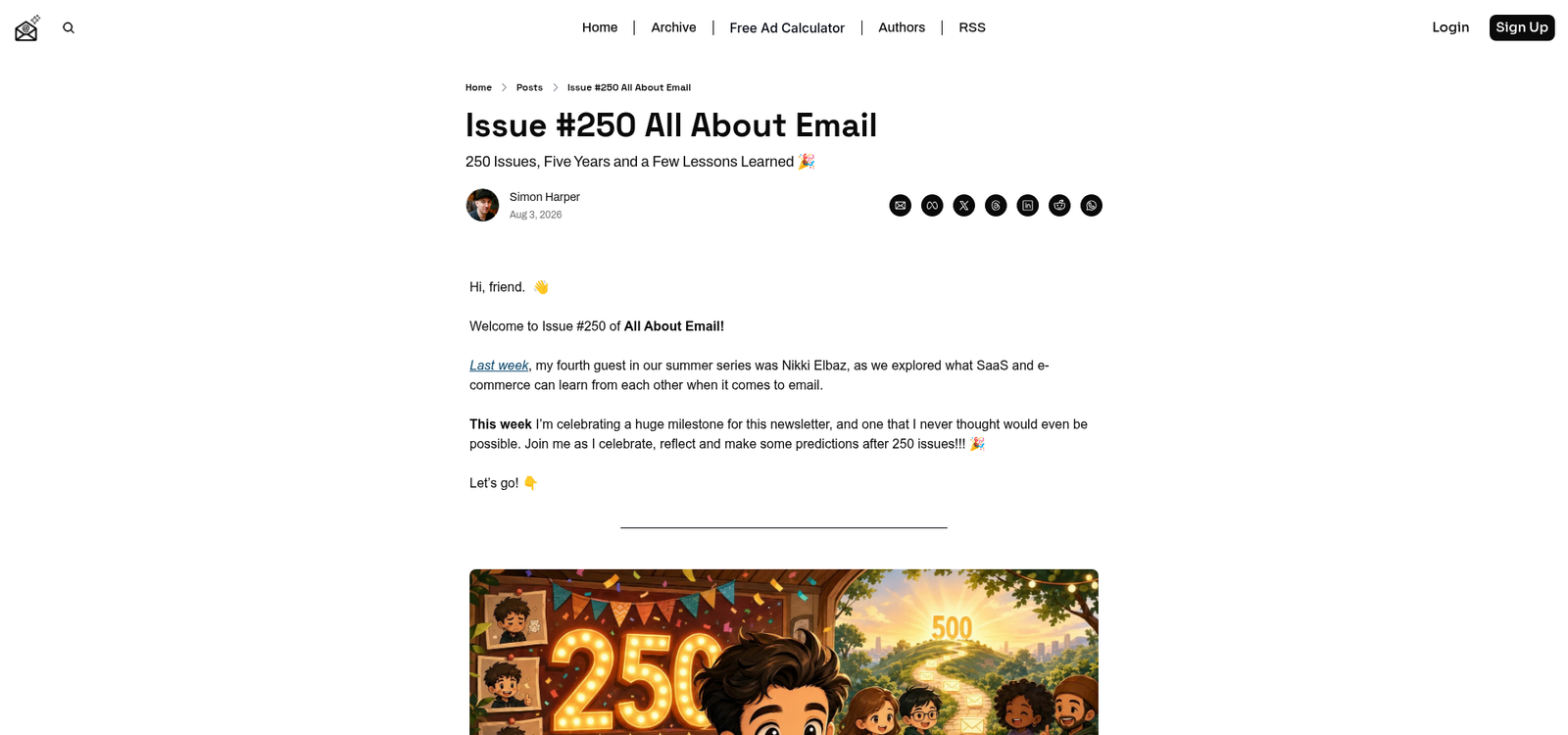
Five years ago, "AI in email" meant a subject-line optimizer bolted onto your ESP. In 2026, it means something much bigger: AI now touches every stage of the email production workflow — briefing, copywriting, HTML generation, QA, send-time optimization — and, most disruptively, it sits on the receiving end too, summarizing and triaging your message before a human ever sees it. Simon Harper, marking 250 issues of his All About Email newsletter this week, put it bluntly: those who ignore AI and the AI inbox are going to struggle, but the teams that win will be the ones who strike a balance between human writing and AI assistance instead of shipping "AI slop."
That balance is a workflow question, not a philosophy question. Somewhere between "AI writes and sends everything" and "we hand-craft every table cell like it's 2015" is a production process that's dramatically faster without being worse. This post walks the email workflow stage by stage — where AI genuinely helps, where it confidently breaks things, and how the rise of AI-first inboxes (which we covered from the sender side in our Gmail AI inbox rundown) changes what "done" looks like before you hit send.
The New Reality: AI on Both Ends of the Pipe
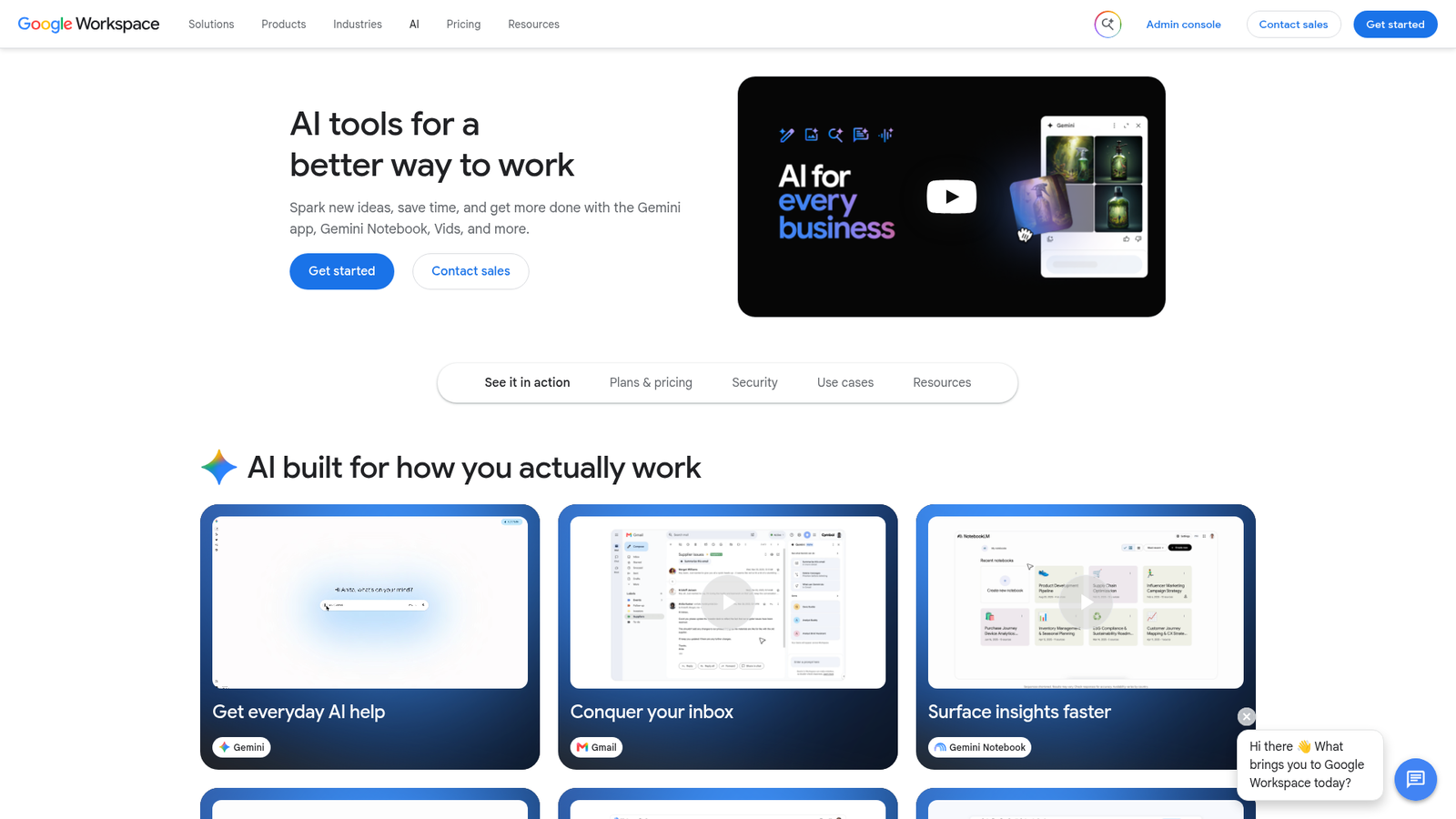
The important mental shift is that AI isn't just a production tool anymore — it's an audience. Gmail's Gemini features summarize messages, draft replies, and surface "what matters" from a crowded inbox; Apple Mail categorizes and condenses; and a growing number of readers first encounter your email as a two-line machine-written summary. Harper calls this "a new audience type that gets to your content first," and he's right: you are now writing for a human and for the model that decides what the human sees.
That has two practical consequences for the workflow. First, structure matters more than ever: clear subject lines, a meaningful preheader, front-loaded value, and semantic HTML give summarization models the same things they give screen readers (our accessible email guide suddenly doubles as an AI-readability guide). Second, engagement signals keep getting murkier — opens were already unreliable after Apple's Mail Privacy Protection, and AI triage muddies them further — so QA and list quality carry more of the deliverability load than vanity metrics do.
Stage 1: Copy and Concept — Fast Drafts, Human Voice
Copy is where AI adoption is deepest and the failure mode is clearest. LLMs are excellent at first drafts, variant generation, and tone adjustments; they are mediocre at having a point of view. The teams getting real value treat AI as a junior copywriter with infinite stamina:
- Brief first, generate second. Feed the model your audience, offer, voice guidelines, and past top-performing emails. A generic prompt produces the generic output your subscribers already scroll past.
- Generate variants, not verdicts. Ten subject-line candidates from a model plus a human picking two to test beats either party working alone.
- Keep the opinions human. The thing that makes a newsletter survive 250 issues is a recognizable voice. AI can polish sentences; it cannot supply the lived experience that makes someone forward your email.
The anti-pattern is fully automated "content at scale" — exactly the AI slop Harper warns about. Inbox providers are watching engagement, and low-effort volume shows up in your reply rates, your spam complaints, and eventually your domain reputation.
Stage 2: Design and Code — Where AI Meets Table Layouts
HTML email is a hostile compilation target, and that cuts both ways for AI. On one hand, modern coding assistants are genuinely good at producing responsive, table-based layouts, and component frameworks like the one we covered in our React Email 6 post give models a saner target than raw table soup. On the other hand, models trained mostly on web HTML will happily emit flexbox, grid, and <style>-dependent layouts that Outlook shreds on contact.
Rules that keep AI-generated email code shippable:
- Constrain the output. Prompt with your boilerplate: 600px table wrapper, inline styles, MSO conditionals, bulletproof buttons. Or generate in a component framework and let its compiler produce the client-safe HTML.
- Never trust, always render. AI code review can't tell you what Outlook on Windows does to a negative margin. Preview in real clients — our guide to testing HTML emails before sending is the checklist, and it applies double to generated code.
- Watch the accessibility regressions. Generated markup routinely drops
role="presentation"on layout tables, alt text, andlangattributes. Make those part of your QA gate, not an afterthought.
Stage 3: QA, Testing, and Ops — The Quiet Wins
The least glamorous stage is where AI helps most reliably, because the tasks are verifiable: flagging broken links and missing UTM parameters, diffing rendering screenshots across clients, checking copy against a style guide, spotting a merge tag that will render as FNAME for half your list. These are pattern-matching jobs with a right answer, and a model plus a deterministic checker beats a tired human at 5 p.m. on send day.
Send-time optimization and audience segmentation are also legitimately better with machine learning than with the "Tuesday at 10 a.m." folklore they replaced. The caveat, as always: models optimizing on opens are optimizing on a signal that MPP and AI prefetching already distorted. Anchor on clicks, conversions, and replies.
Writing for the AI Inbox Without Writing for Robots
You don't need a separate "AI strategy" for the inbox — you need the fundamentals, executed harder:
- Subject + preheader must summarize honestly. Summarization models lean on them, and a clickbait gap between subject and body now gets exposed in the summary itself.
- Front-load the point. If the first 100 words don't contain your core message, the AI summary won't either.
- Use semantic structure. Real headings, real lists, meaningful link text. Machines and humans parse them the same way.
- Earn replies and forwards. These are the engagement signals AI triage can't fake and providers weight most heavily.
Bottom Line
AI is now on both ends of the email pipe: helping your team draft, code, and QA faster, and sitting in your subscriber's inbox deciding how your message gets presented. The winning workflow uses AI where the work is verifiable — variants, boilerplate code, QA checks, send-time math — and keeps humans on voice, judgment, and the final rendering pass in real clients. What it doesn't do is automate the whole pipeline and hope; that path leads to the slop that both subscribers and inbox models are learning to ignore. Five years and 250 issues into his newsletter, Harper's take holds up as a production principle: embrace the assistance, keep the human, and remember that the most durable engagement signal in email is a real person who wanted to read what you sent.
References: All About Email, Issue #250, Google Workspace AI tools, and Apple's Mail Privacy Protection documentation. Internal: our Gmail AI inbox rundown, React Email 6 and the visual editor, accessible HTML email guide, and how to test HTML emails before sending.