
Google I/O 2026: Gmail Live, AI Overviews, and the AI Layer Between You and Your Subscribers
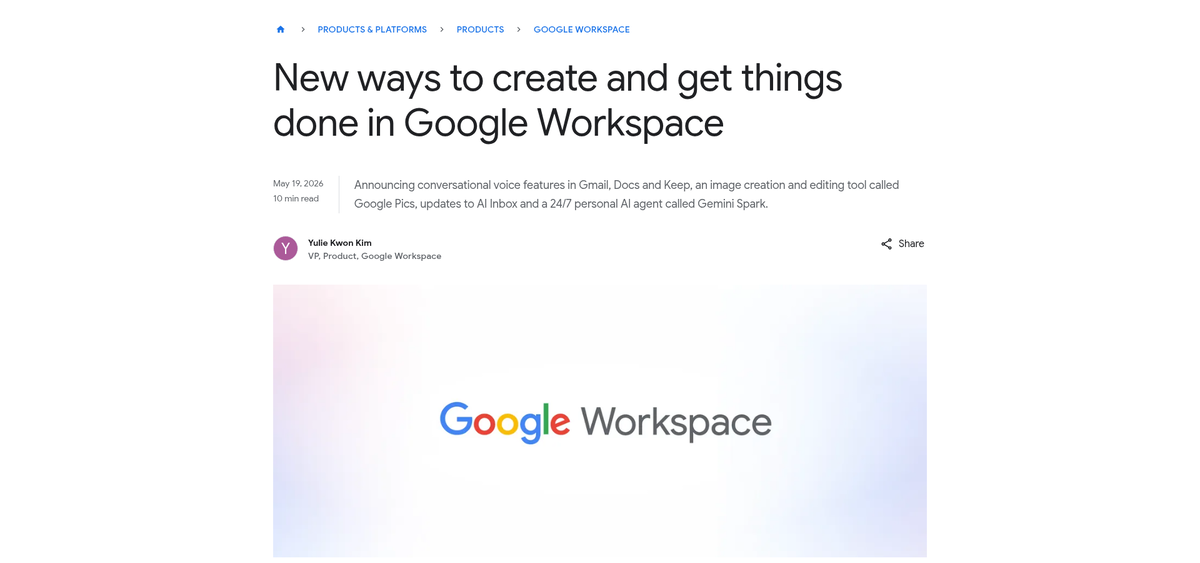
Google I/O 2026 wrapped yesterday and the Gmail news is the most consequential shift for email senders since the Yahoo/Google sender-authentication mandate two years ago. Three announcements matter, in this order: AI Overviews for email are now free for every Gmail user, AI Inbox has expanded from AI Ultra to AI Pro and Plus subscribers, and Gmail Live — a Gemini-powered voice assistant that talks to your inbox — is rolling out this summer. The cumulative effect is that Gemini now sits between your campaign and the human you wrote it for, and the rules for getting through have shifted.
This isn't a "future of email" think piece. AI Overview conversation summaries started rolling out at I/O this week, free for everyone. If you sent a campaign yesterday, some non-trivial slice of your Gmail subscribers already saw your email mediated by a Gemini summary instead of opening the body. Below: what changed, why it matters for deliverability and engagement, and the specific changes worth making to your templates and program this quarter.
What Google Actually Shipped
AI Overviews for email — free, rolling out now
When a Gmail user opens a thread with multiple replies, Gemini now synthesizes the whole conversation into a concise summary at the top — the same pattern as AI Overviews in Google Search. Free for all users, no AI Pro/Ultra subscription required. The ability to ask freeform questions of the inbox ("when's my flight?") is gated to AI Pro and Ultra, but the summary itself is universal.
For senders, this is the big one. Long-form newsletters, multi-section transactional emails, and any campaign that buries the action below the fold now get a Gemini-written précis as their first impression. If the summary captures your value prop, great. If it picks up on a secondary CTA, an unsubscribe footer line, or boilerplate ("View this email in your browser"), worse.
AI Inbox — now in AI Pro and AI Plus
The AI Inbox view — a single-pane overview that surfaces "tasks and items needing attention" extracted from across the inbox — has expanded from AI Ultra-only to AI Pro and AI Plus subscribers. The user base on these tiers is materially larger than Ultra-only.
What this means in practice: messages your recipient previously opened in chronological order are now ranked and filtered by Gemini's importance heuristics. The Promotions tab was a coarse classifier. AI Inbox is a much finer one, and what it surfaces is partly a function of language patterns Gemini learns from each user's behavior — but also a function of how cleanly your email's intent comes through in the first 200 characters.
Gmail Live — voice-conversational inbox search
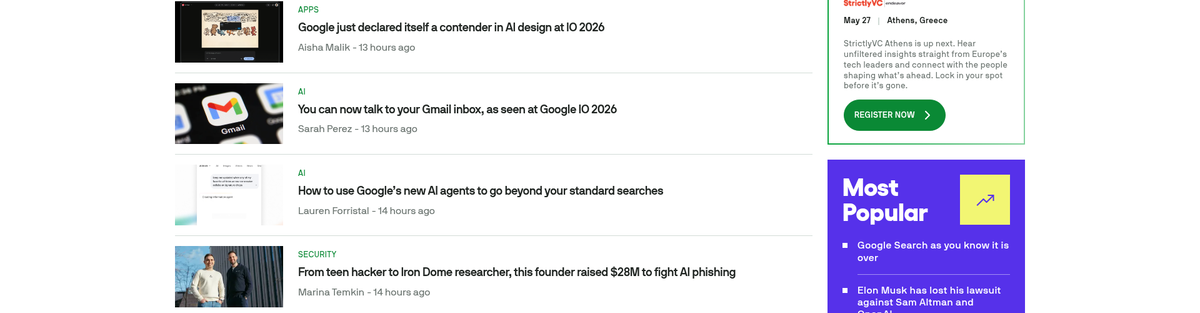
Gmail Live lets users ask the inbox questions out loud and follow up conversationally. "When is my flight?" → "What gate?" → "Is that the same one as last time?" — and Gemini stays oriented across the turns. AI Ultra subscribers get it first this summer, then AI Pro. This is more interesting as a directional signal than an immediate disruption: most senders won't see Gmail Live affecting their numbers in Q3, but the architecture it depends on — Gemini reasoning over your message contents — is the same architecture powering AI Overviews and AI Inbox today.
What Email Senders Should Actually Do
The temptation with announcements like this is to do nothing and wait. Don't. The summary layer is already live for every Gmail user — which means changes you make now compound into how your program performs for the rest of 2026.
1. Rewrite your first 200 characters as a TL;DR
AI Overviews lean heavily on the opening of the message body when generating summaries. If your first paragraph is "Hey {first_name}, we hope this email finds you well…" — that's literally the line Gemini will distill your campaign down to. Lead with the actual point. The Bonjoro/Loom/Notion patterns of "Here's what's new, in one sentence: …" are now better than ever.
2. Move boilerplate out of the body
"View this in your browser," "Add us to your contacts," accessibility statements, multi-line addresses — these belong in the footer, not above the fold. If they're in the body, they're candidates for Gemini's summary. Tighten the header zone to: identity, headline, action.
3. Cut redundant repetition
Many transactional templates repeat the same fact three times (subject line, hero headline, opening paragraph). For human readers that's reinforcement; for an AI summarizer it's noise that crowds out detail. Say it once, well, and use the space you save for specifics that distinguish this email from the last ten of the same type.
4. Make sure your HTML body actually contains the message
If your "email" is a single hero image with a CTA button and almost no real HTML text, the AI summary will be either generic or wrong — and the AI Inbox classification will be a coin flip. The same image-only templates that have always tanked accessibility scores will now also tank AI-mediated discovery. Real, semantic HTML body copy is now a triple win: accessibility, deliverability, AI-summary fidelity.
5. Test what Gemini actually does with your email
For now there's no public "show me Gemini's summary" API. The practical workaround is: send the email to a Gmail account on AI Pro, open the thread, look at the AI Overview. Do this before every major campaign. The summary is the new preheader — and it's auto-generated whether you participate or not.
6. Don't panic about Gmail Live yet
Voice search of the inbox is novel, but the volume that touches your campaign through Gmail Live in 2026 will be small. The optimization that matters is the visible AI Overview surface — Gmail Live is downstream of the same Gemini reasoning, so optimizing for one helps the other.
The Deliverability Angle
None of the I/O announcements changed sender-authentication requirements. SPF, DKIM, DMARC, ARC, and the DKIM2 transition are unchanged. But two things are worth flagging:
- Engagement signals matter more, not less. AI Inbox uses Gmail's existing per-user engagement signals as input. If your subscribers ignore, archive, or report your messages, you're more likely to land in the buried portion of the AI Inbox view (or be filtered out of it entirely). The fix is the same as it always was — segment, prune disengaged users, and earn opens by being relevant — but the consequences are now amplified.
- List hygiene matters more, not less. The same per-user behavior signals feed into how aggressively Gemini summarizes vs. surfaces your full body. Lists with strong open and reply rates get better treatment.
What the Community Is Saying
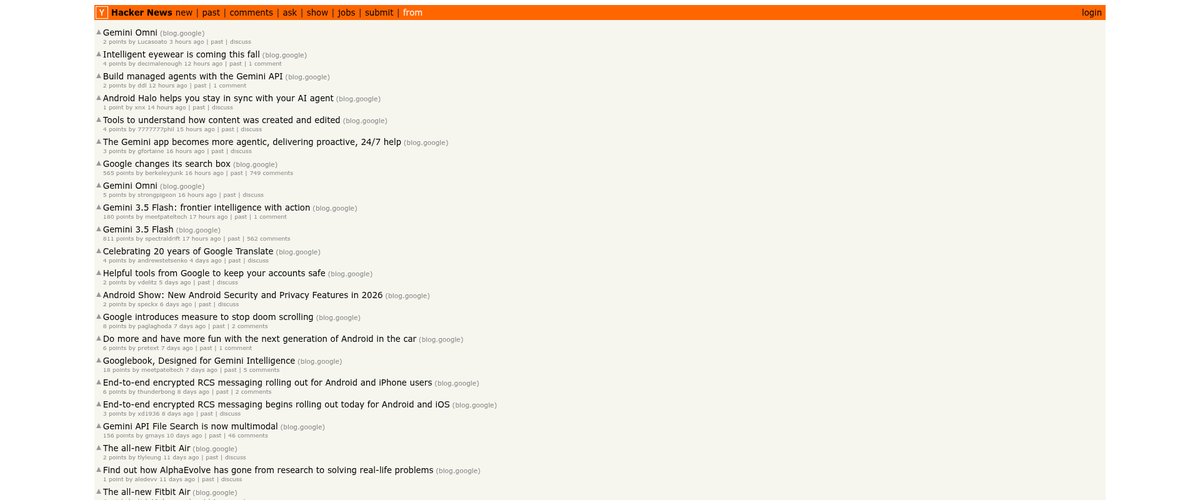
The Hacker News thread on the Gmail announcements hit the front page within hours of the I/O keynote. The split was roughly: enthusiasm for AI Overviews from heavy inbox users ("I get 200 emails a day, give me the summary"), wariness from privacy-minded folks (Gemini is now reading every message Google holds for you), and frustration from email developers who pointed out that the entire optimization surface they've spent years tuning — subject lines, preheaders, hero images — is now mediated by an AI layer that can rewrite it on the way to the reader.
The r/emaildevelopers thread split similarly. The most upvoted advice from a deliverability lead at a large ESP: "Treat the AI Overview as the new subject line. The line of text you used to obsess over is no longer the line of text that decides whether your email gets engaged with."
One More Thing: The Security Story
Buried in the same week's news: Microsoft disclosed CVE-2026-42897, an Exchange Server vulnerability where a crafted email can execute arbitrary JavaScript in Outlook Web Access — added to the CISA Known Exploited Vulnerabilities catalog on May 15 with a federal patching deadline of May 29. And Microsoft's threat intel team detailed a 35,000-user phishing campaign that ran April 14–16, using "polished, enterprise-style HTML templates" mimicking HR communications.
The connecting thread: sophisticated, well-formatted HTML is now table stakes for both legitimate senders and attackers. The AI inbox layer Google just shipped is, among other things, a defensive measure — Gemini summarizing a phishing email side-by-side with a legitimate one makes the surface differences more visible. As a legitimate sender, the more your templates look like the carefully-built, on-brand, semantically-clean HTML you'd expect from a real company, the better you fare in this environment.
Bottom Line
The shape of inbox attention has shifted. Subject line and preheader still matter, but they're no longer the only thing the recipient sees before deciding to open. The first 200 characters of your body copy now matter as much as the subject line ever did, because that's what Gemini reads to write the summary your subscriber sees first.
The work is unglamorous and worth doing: tighten openings, move boilerplate to footers, make sure your HTML actually contains the message instead of just hosting a hero image. Test campaigns in a Gmail account that has AI Overviews on, and look at what Gemini writes about your email before you ship it. The senders who do this work in May will compound through Q3 and Q4. The senders who wait will keep tuning a surface their subscribers no longer see first.
References: Google's Gmail product blog, TechCrunch's I/O 2026 coverage, HN discussions of the Google announcements, and the CISA KEV catalog for the parallel Exchange CVE. Internal: our take on the underlying SPF/DKIM/DMARC stack and the DKIM2 transition still applies — none of the I/O changes touched authentication.